


Audio Plugin & Community
Bridging the gap between audio research and creativity
What's Neutone FX?
Neutone FX brings machine learning to your creative practice. Discover models that open new directions for musical expression.
 For audio creators
 For audio researchers
Neutone FX is a go-to platform for sharing real-time audio models with users in the music production community.
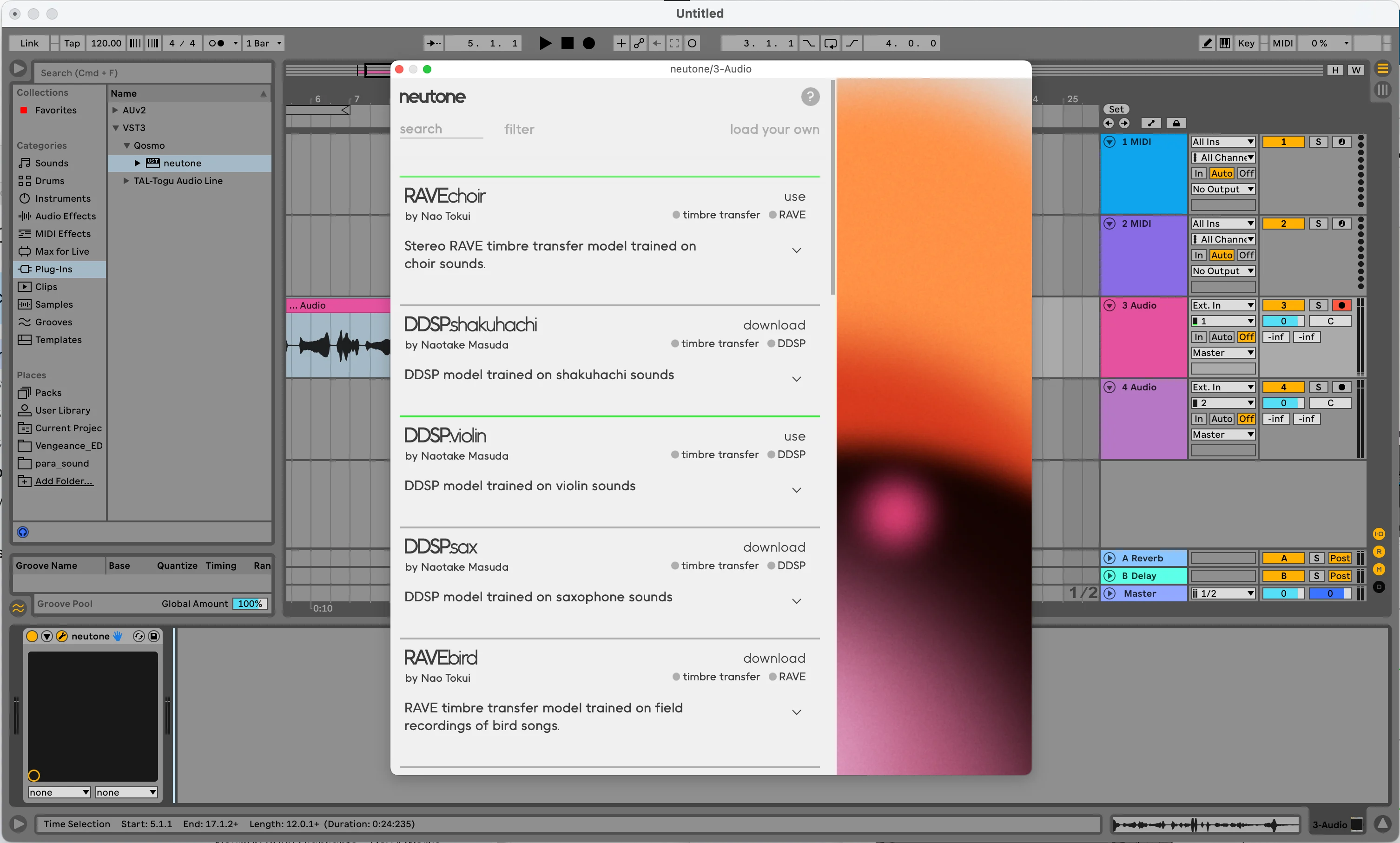
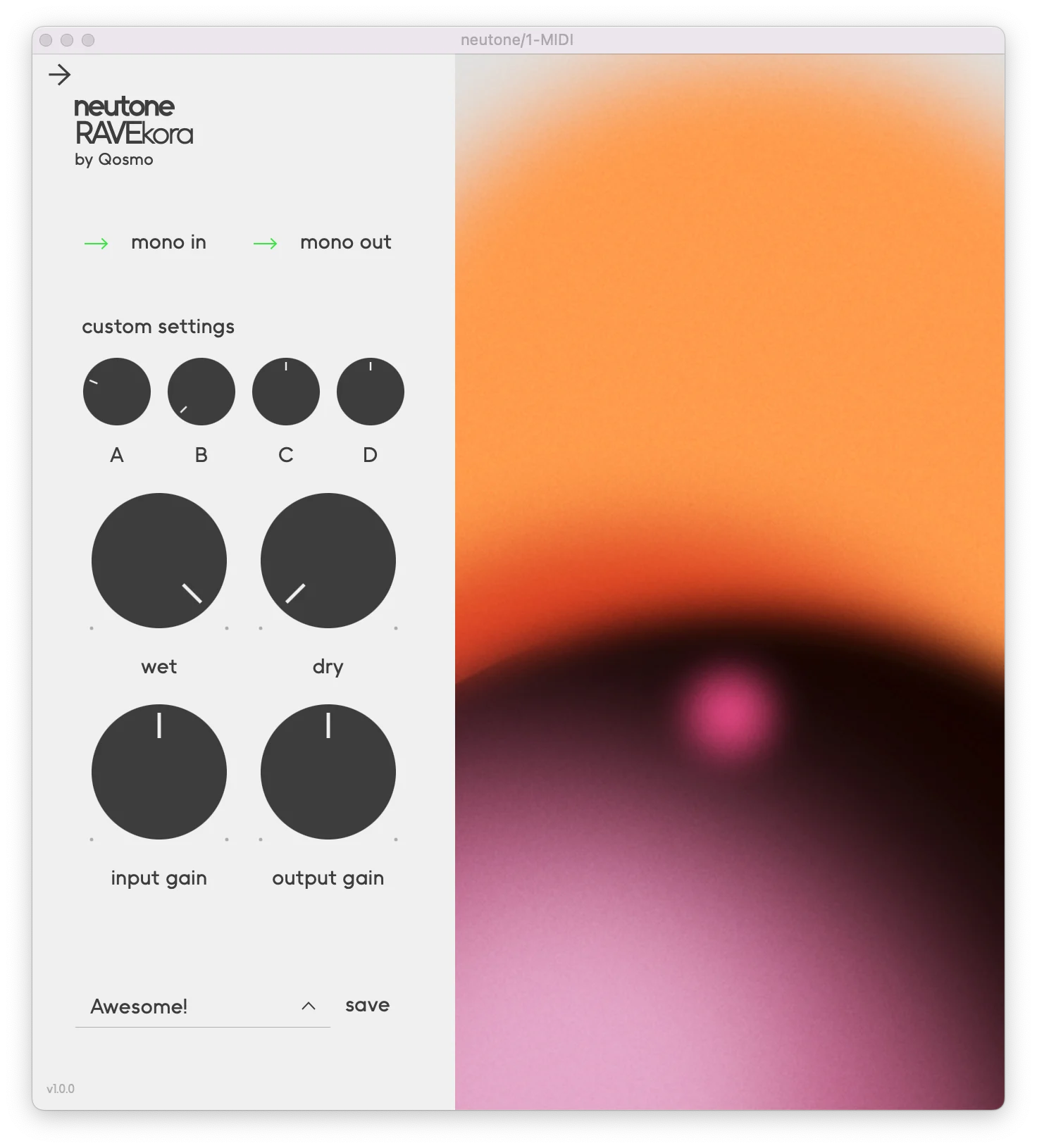
Get started with Neutone FX
Universal VST/AU plug-in
Download and install our universal VST/AU plug-in to use with your favorite DAW.Experiment with the latest ML models
Find models to load into your Neutone FX plug-in. Check back to find new models developed using the latest audio technology.Get inspired to create!
You'll find models for use in real-time, ready for your recordings and performances. Create exciting new sounds and music!Submit your own model
Neutone FX was built to give you a platform to make your own models available to everyone.
If you are developing an audio model in PyTorch that you would like to try in Neutone FX, head to our guide on GitHub to see how to convert it to a compatible format that you can locally load in the plugin.
Once you have a working model, you can share it with the rest of the community by submitting it for review on GitHub. Check the Submitting models section in the ReadMe for more details on how to do that.
For any questions or more discussions, we have enabled the discussions board on GitHub, or you can join us on Discord!
Support
We collect guides & tips, and answer common questions about the SDK and the plugin on this Documentation Page.
If you need more help or just want to chat head over to our Discord channel.
Requirements
- Supported OSs:
- MacOS 10.15+ for Intel, Mac OS 12.0+ for M1 and Windows 10+
- Tested DAWs:
- Ableton Live, Logic Pro, Reaper and others
- Formats:
- MacOS: VST3/AU/Standalone
Windows: VST3/Standalone - Recommended configuration:
- At least 8GB of RAM
At least 8GB of storage